
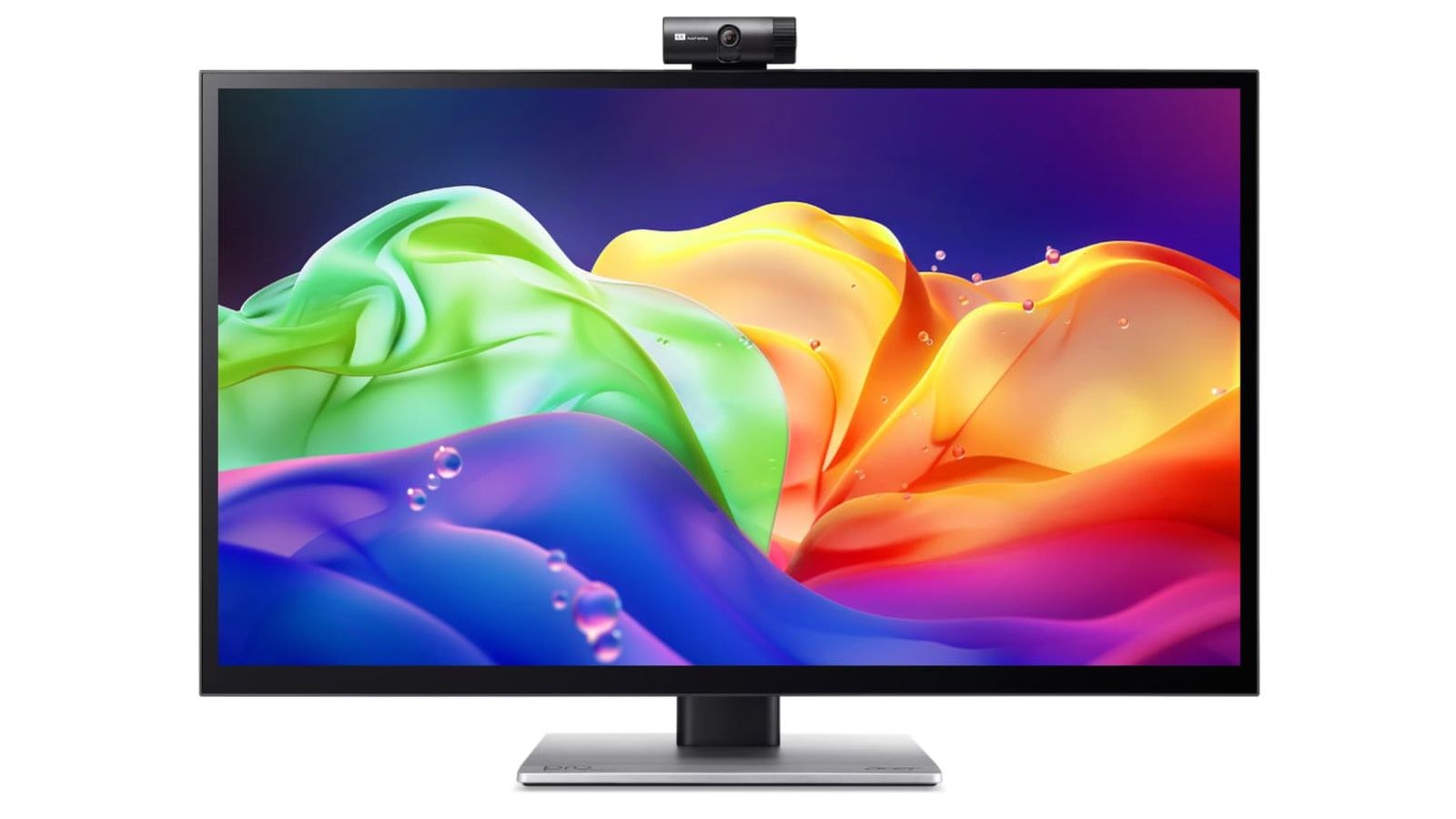
 etting up the Acer ProDesigner PE320QXT on a desk immediately reveals its imposing footprint. Acer engineered this 31.5-inch 6K touchscreen monitor specifically for digital illustrators and studio creatives, but its bulky chassis feels stranded in an earlier design era compared to the sleek lines of Apple's Studio Display. Tipping the scales at roughly 22 pounds with its heavy-duty stand, the unit dominates desk real estate with thick bezels and a deep, chunky profile.
This isn't a modern-looking monitor. If someone told me this was a display from 2006, I'd believe it.
While the tapered plastic shell attempts to slim the outer edges, the monitor remains unmistakably thick from front to back, looking more like an industrial terminal than a contemporary workstation display.
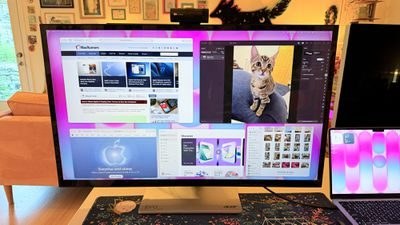
Sharp 6K Clarity Against Dim Backlighting
Connected to a Mac via USB-C or HDMI, the native 6K resolution delivers crisp text rendering and razor-sharp fine details across canvas applications. Acer highlights Calman verification alongside 99 percent coverage of both Adobe RGB and P3 gamuts, and real-world color rendition looks consistently saturated and uniform across the 31.5-inch surface.
However, peak brightness caps out at a modest 400 nits. In sunlit creative spaces or studio setups with strong ambient lighting, the screen easily struggles with reflections, washing out the visual punch promised by its 6K density.
Ergonomic Headaches and macOS Quirks
The bigger friction point is daily usability on macOS. Apple's desktop operating system still lacks native touch optimizations, forcing users into third-party driver workarounds like Touch-Base UPDD just to get gesture navigation and stylus inputs functioning reliably. Navigating standard menus with a finger remains an awkward, inaccurate chore compared to an iPad.
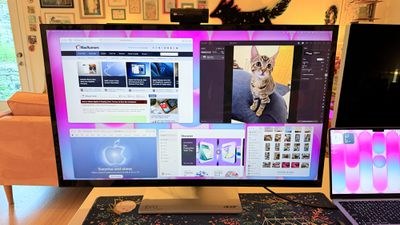
Hardware controls feel equally archaic. Adjusting brightness and input sources requires clicking through clunky physical buttons tucked along the lower bezel rather than seamlessly controlling settings via software.
What to Buy Instead
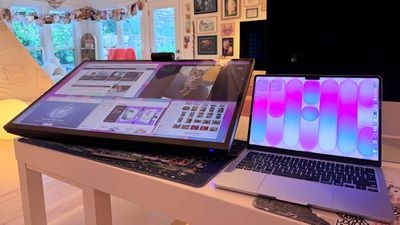
Unless a production studio strictly mandates a giant 31.5-inch desktop touch canvas for specialized CAD or digital painting, the Acer ProDesigner PE320QXT exacts too many usability penalties for ordinary Mac buyers. Between its modest 400-nit panel, frustrating macOS driver layers, and cumbersome vintage aesthetics, it serves a narrow professional niche rather than delivering a smooth everyday monitor upgrade.