
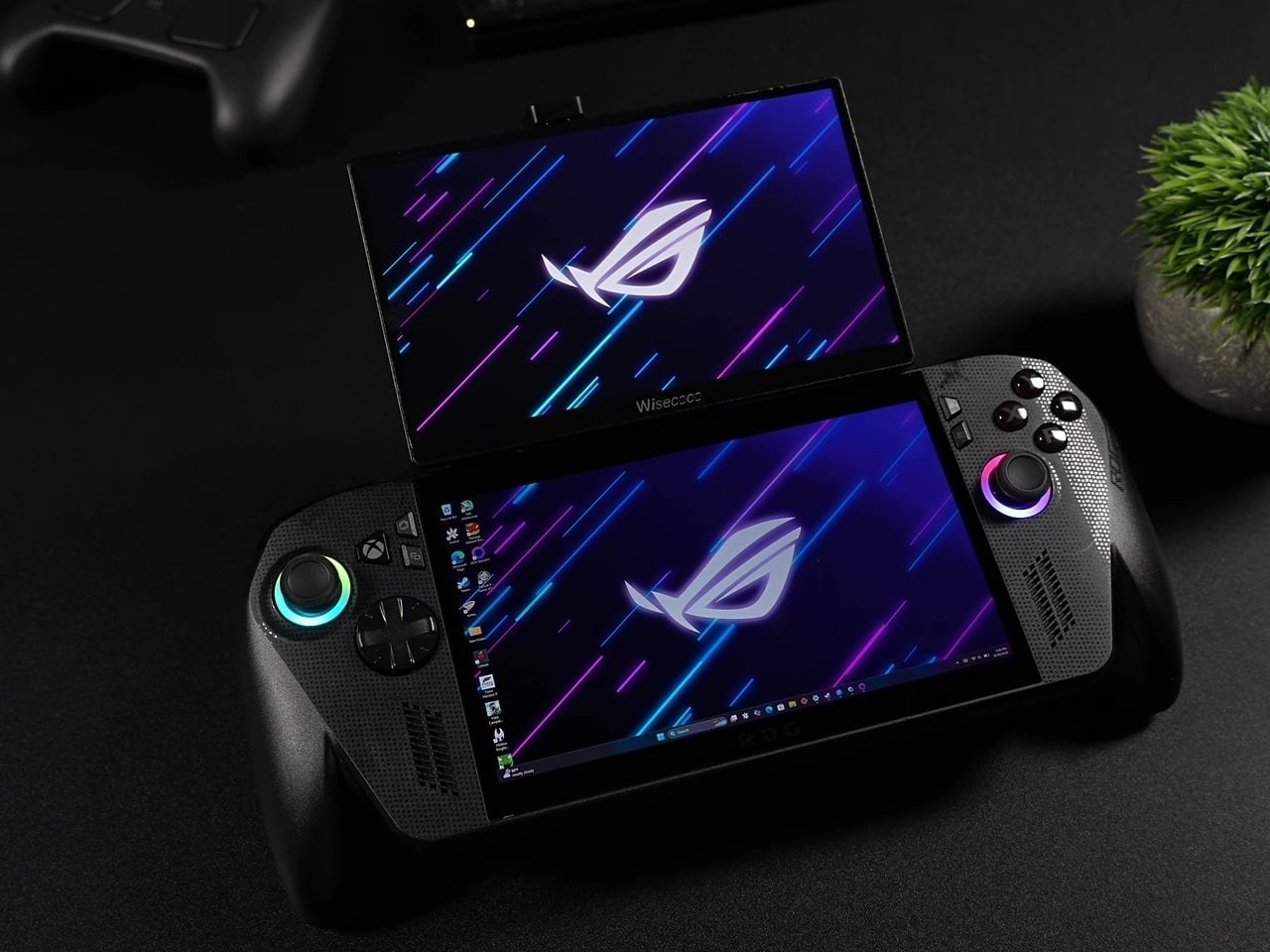
 uying a dedicated dual-screen gaming handheld usually means paying for a bulky, single-purpose brick you cannot slim down when you just want to play an ordinary PC game. YouTuber and hardware tinkerer ETA PRIME demonstrated a far smarter workaround for the ASUS ROG Ally X by assembling a modular secondary display out of off-the-shelf parts instead of buying a dedicated dual-screen system. Using magnetic phone mounts and angled USB-C cables, the mod snaps a 120Hz screen directly onto the existing handheld and peels right back off when you pack it away.
Off-the-Shelf Magnets Beat Factory Hinges
The hardware setup relies on MagSafe magnetic rings attached to the backs of both the ROG Ally X and a budget 7-inch portable monitor. A dual-sided magnetic phone holder sits between them to act as an adjustable hinge. This repurposed smartphone accessory lets the top screen tilt up to a comfortable viewing angle while you play or fold flat over the handheld for storage. You get the dual-display layout of dedicated hardware without losing the standard form factor for your commute.
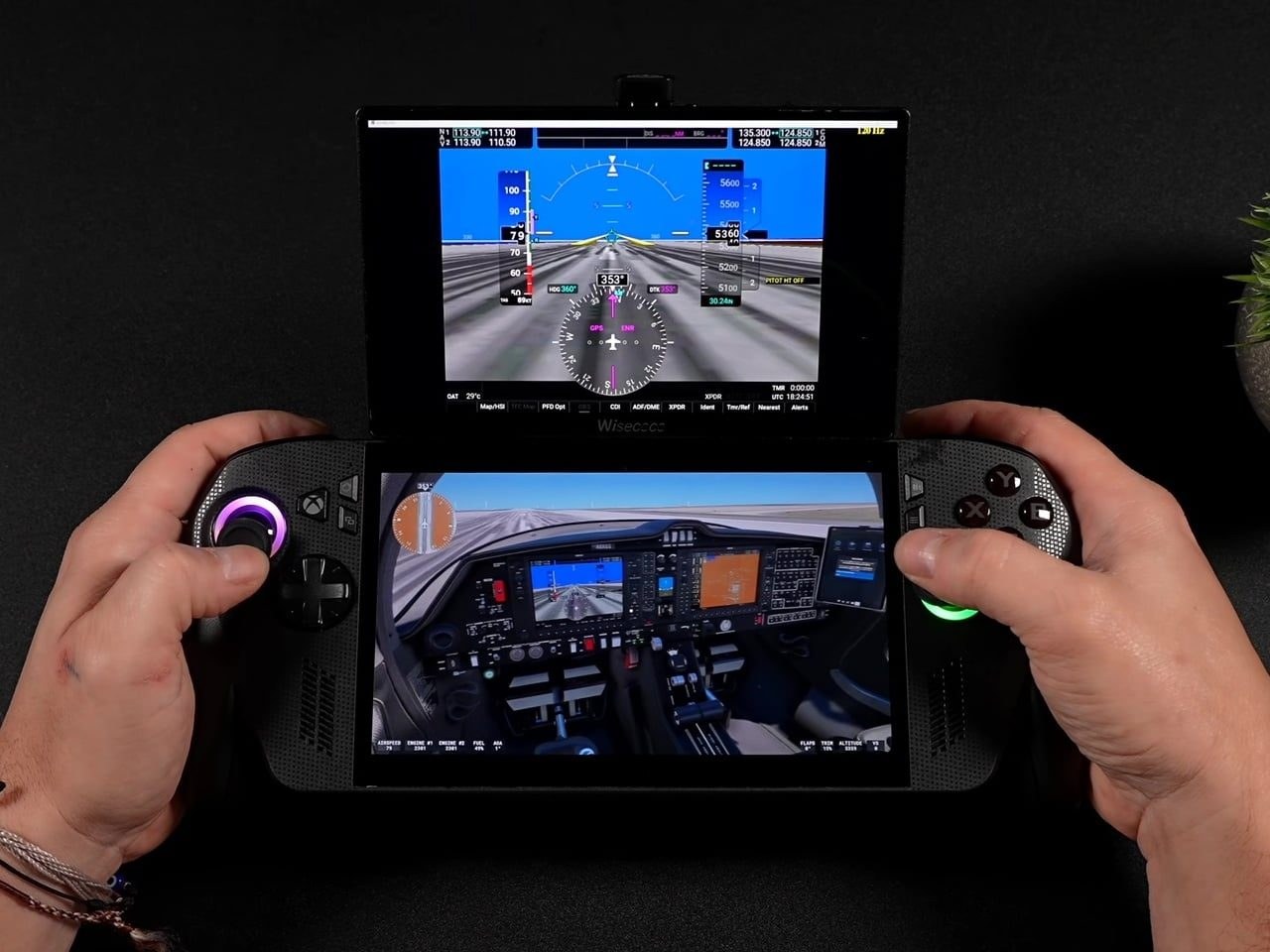
Matching the technical specs is where this assembly actually works. The add-on display is a 7-inch 1080p IPS panel that matches the ROG Ally X's native 120Hz refresh rate without requiring soldering or internal modifications. Budget portable monitors usually run at 60Hz, which introduces visible stutter when paired alongside a faster screen.
Pairing a 60Hz panel with a 120Hz handheld usually introduces visible stutter between the two screens, but matching refresh rates here means both displays feel like they belong to the same machine.
Because the refresh rates sync cleanly, the two panels behave as a single cohesive unit rather than an awkward DIY Frankenstein.
What Dual Screens Actually Unlock
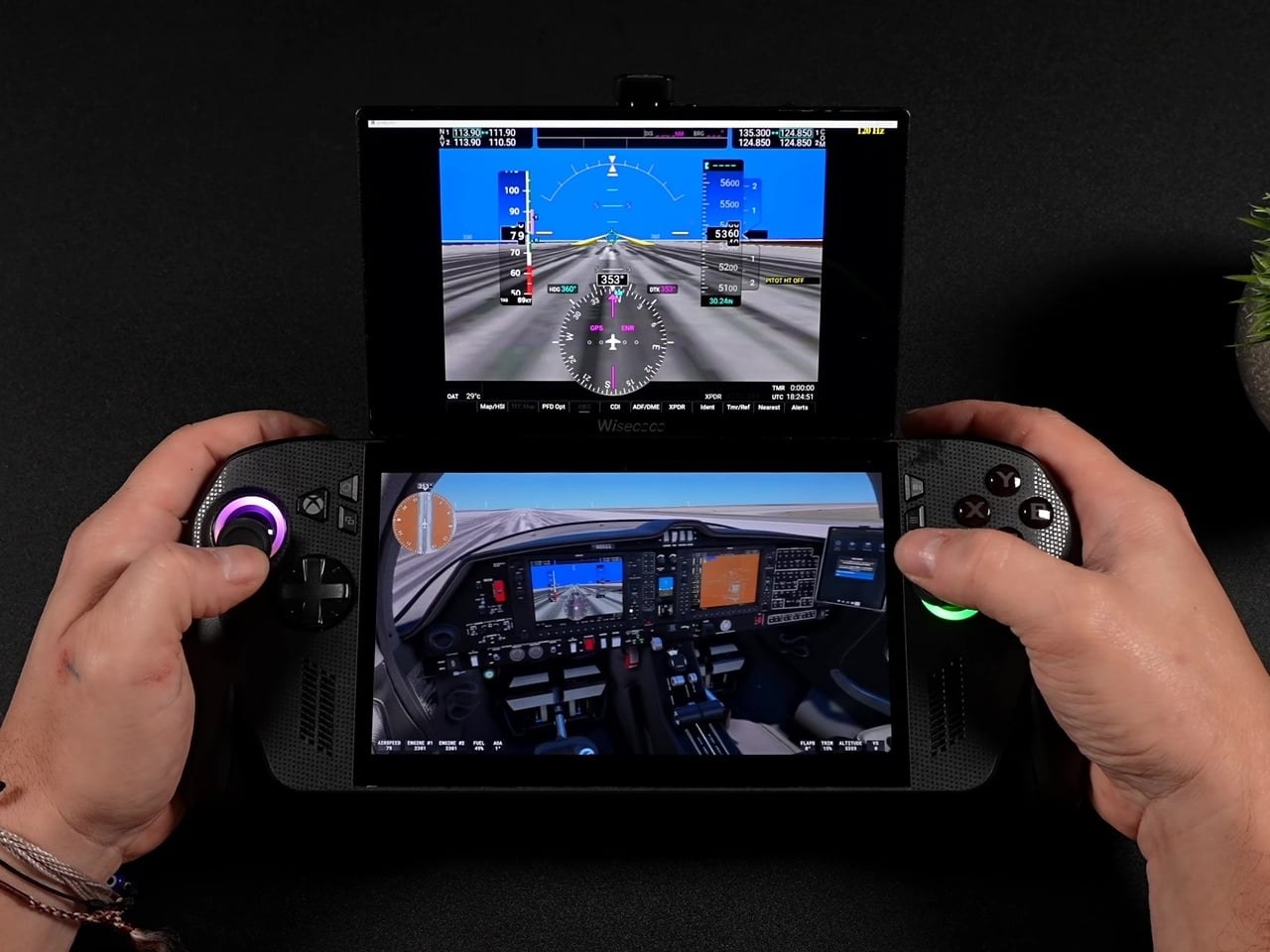
Having a dedicated top screen solves the practical pain points of dual-screen emulation. Nintendo DS, 3DS, and Wii U titles map naturally onto the setup, running the main viewport on the elevated top panel while the built-in touch display on the Ally X handles the lower screen controls. Beyond emulation, simulations benefit immediately. Microsoft Flight Simulator 2024 can offload instrument gauges and flight panels to the secondary monitor, Euro Truck Simulator 2 and F1 titles can park live telemetry data up top, and Fallout 4 can run a persistent Pip-Boy interface without crowding your primary gameplay view.
The Battery and Setup Penalties
This DIY approach still forces real tradeoffs. The added weight of the secondary screen and magnetic hinge noticeably shifts the device's center of gravity forward, making extended handheld sessions more fatiguing on your wrists. Because the portable monitor draws its power directly from the handheld through the USB-C link, battery life drops noticeably while driving two bright displays at once. Software configuration also introduces recurring friction: Windows defaults the secondary monitor to 60Hz whenever you plug it in, forcing you to manually dig through display settings every session to re-enable 120Hz and FreeSync.
This magnetic setup proves that solving the dual-screen handheld problem does not require paying a premium for niche, permanently bulky hardware. Repurposing standard accessories delivers dedicated emulation and simulation cockpit views today, and the entire assembly simply unclips the moment you need a lightweight console again.