
 etting up a gaming PC to stream directly to a living room TV sounds straightforward until you try doing it without keeping your main desktop display blaring in the dark. Attempting to stream games from a PC to the couch via Moonlight and Sunshine frequently runs into a stubborn GPU roadblock: modern graphics cards hate rendering blind. When no physical monitor is powered on to receive the video signal, Windows and GPU display drivers panic over target resolutions, leaving you stranded in desktop troubleshooting hell instead of playing.
On most multi-monitor desktop setups wired through DisplayPort, the graphics card's HDMI port simply sits idle. On an RTX 4070 Ti, for instance, that abandoned connector offers a cheap, permanent bypass around unreliable software workarounds.
The $4 Hardware Deception
An HDMI dummy plug costs roughly $4 and is barely the size of a thumbnail. It houses a microchip that feeds EDID handshakes directly into the graphics card, convincing the system that a high-end display is permanently awake and waiting.
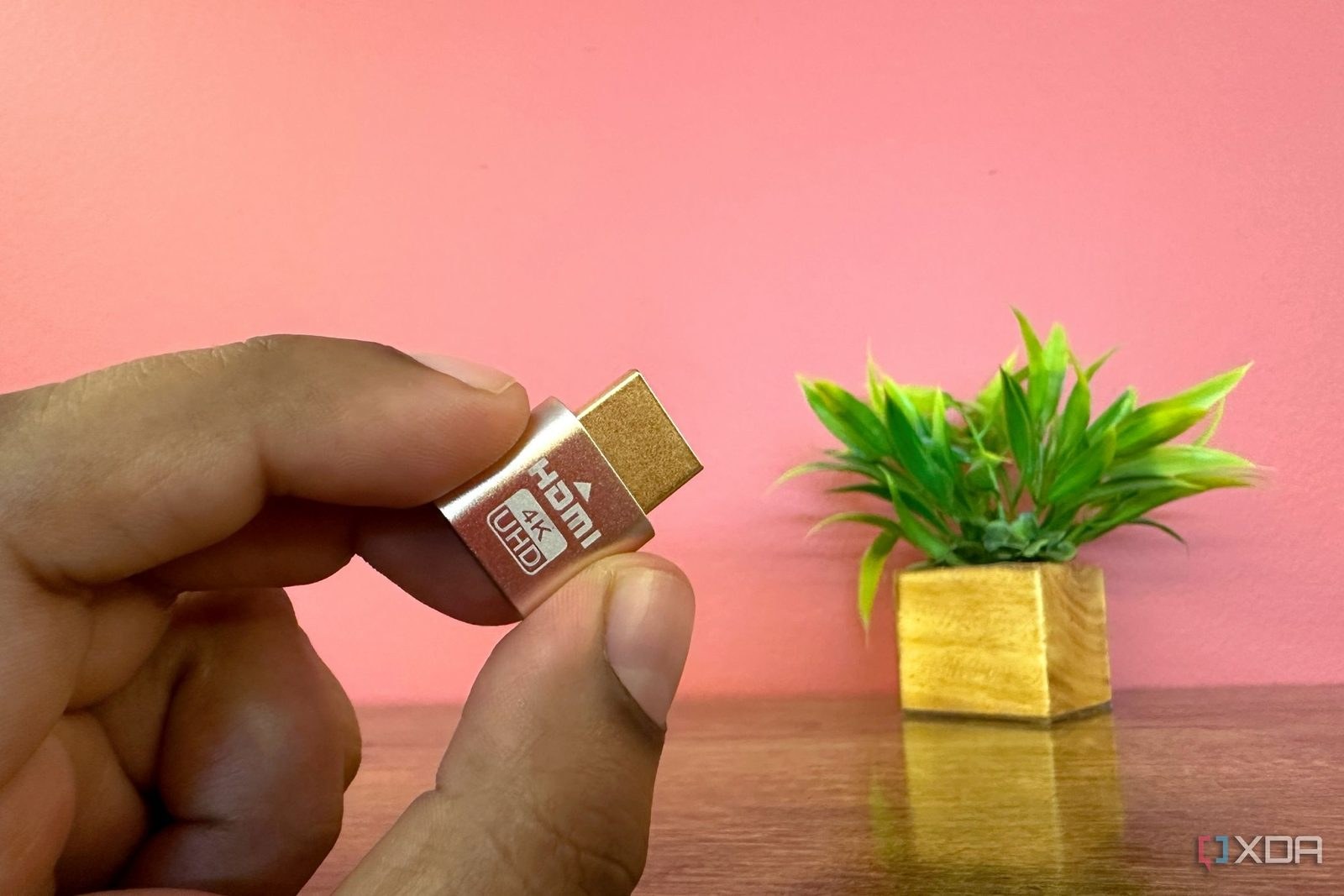
"A dummy HDMI plug is essentially a tiny dongle that convinces the GPU there's a physical monitor connected, when in reality there isn't."
Windows immediately registers the cheap dongle as an active display. Because the hardware plug broadcasts an EDID profile of 4K at 60Hz, the host rig defaults straight to your living room television's native target resolution and frame rate without requiring you to switch monitor profiles before grabbing the controller.
Ditching Buggy Virtual Drivers
Software-based virtual display drivers frequently break after Windows updates, introduce input stutter, or leave streaming hosts unresponsive after a reboot. The hardware dummy plug sidesteps that fragility because it initializes instantly at the hardware level during boot.
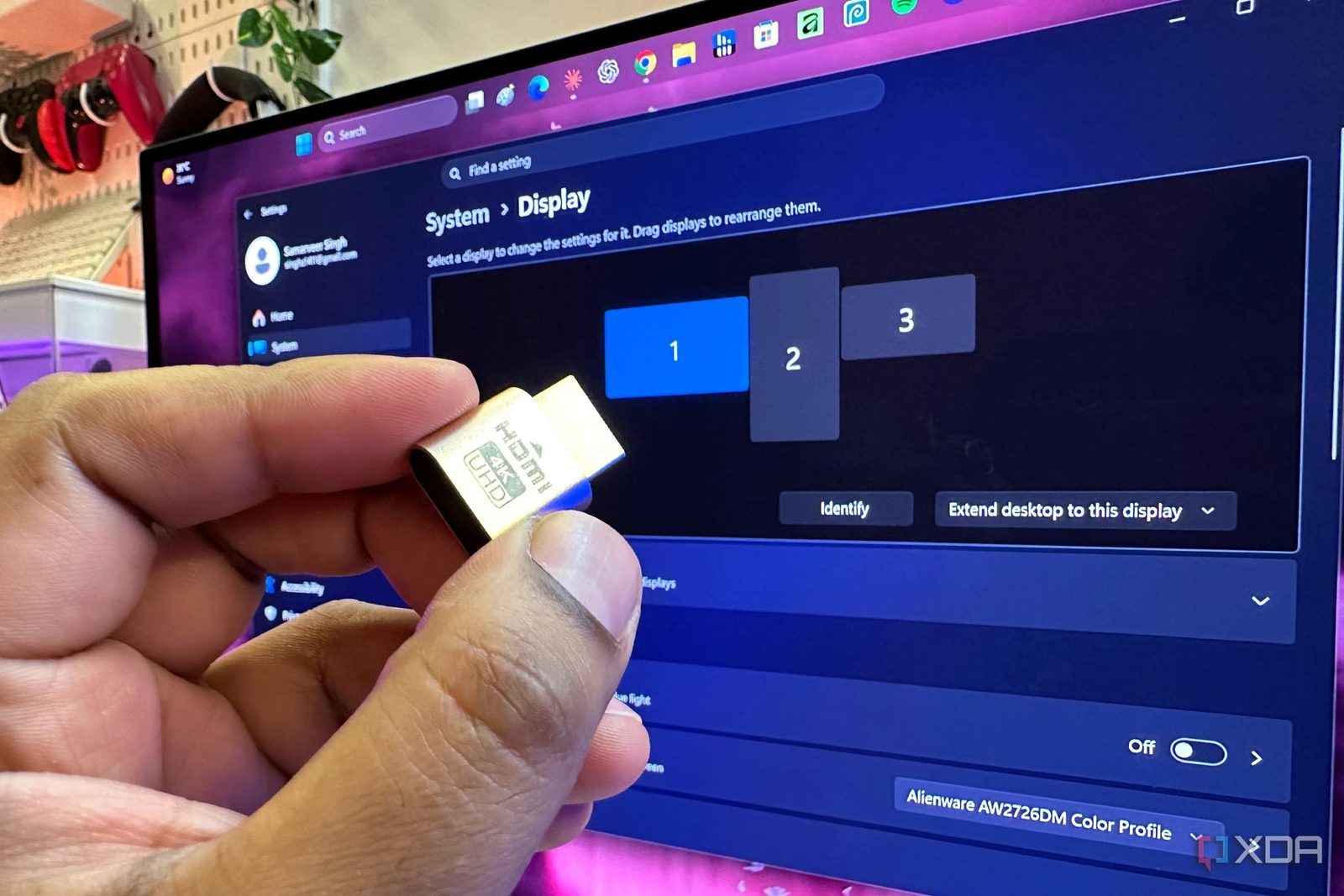
Locking down the configuration takes under two minutes. Opening C: > Program Files > Sunshine > Config > Sunshine.log lets you copy the dummy plug's unique display Device ID directly into Sunshine's output settings. This ensures the stream locks to the virtual screen rather than hijacking your primary desktop monitors. For the price of a cup of coffee, a disposable piece of plastic turns a standard desktop into a dedicated, silent game server.