
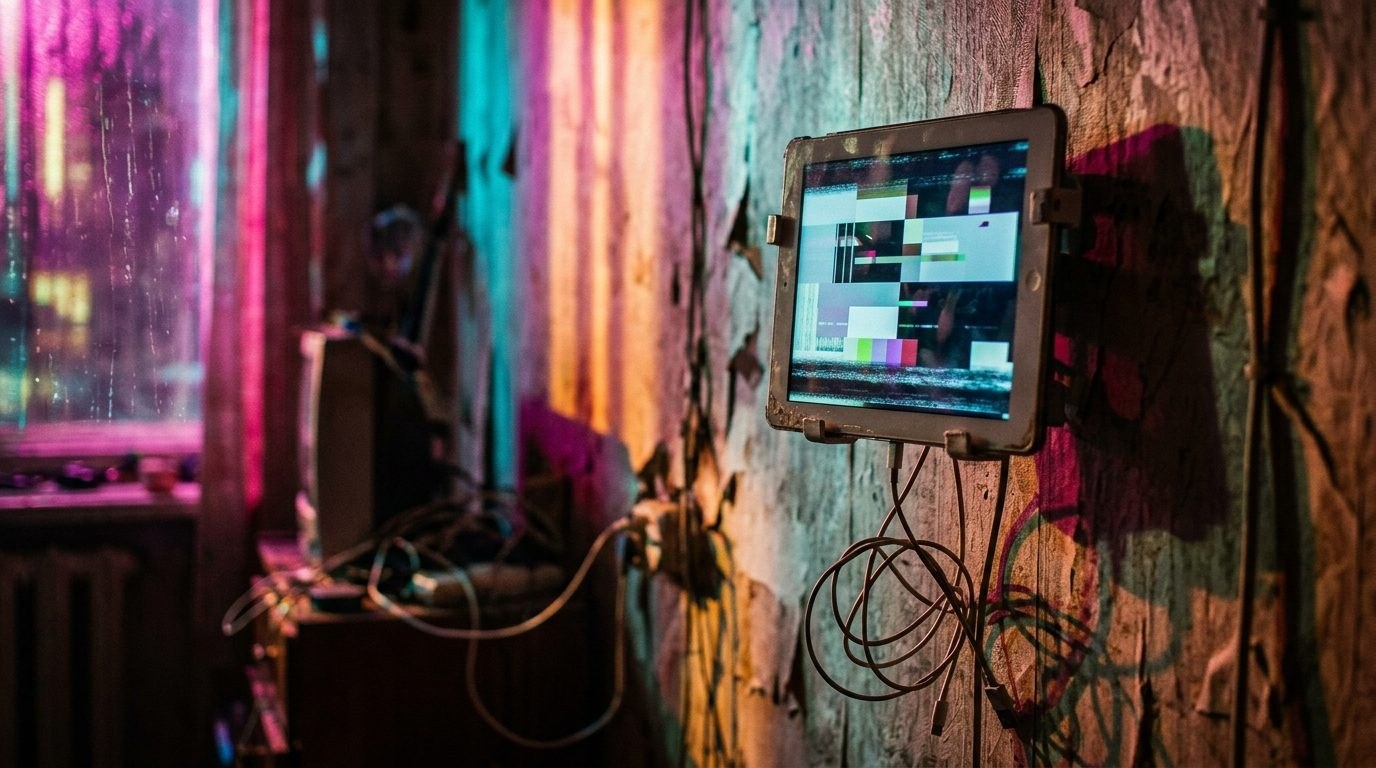
 he desire to hang a screen on the wall to control lights and blinds usually ends the same way: six months later, the old tablet starts lagging terribly, heats up against the wallpaper, and requires daily reboots. Spending money on a full-fledged gadget just for a couple of taps is a weird compromise that smart home creators have long tried to bypass. Instead of running a heavy mobile browser on bloated hardware, the market is testing specialized microchips that cannot run games, but faithfully render the interface.
What is wrong with old tablets on the wall
A tablet on the wall is a zombie device stripped of a normal life. It needs to draw power from an outlet around the clock, which causes the battery to swell within a year or a year and a half, and the processor is constantly busy rendering heavy web pages it is too old to handle. At the same time, buying a new tablet just to act as a wall-mounted remote looks like a questionable and unreasonably expensive solution. Using a second-hand device does not solve the problem either: constant mains power risks swelling the battery, while aging software eventually stops handling smart home scenarios.
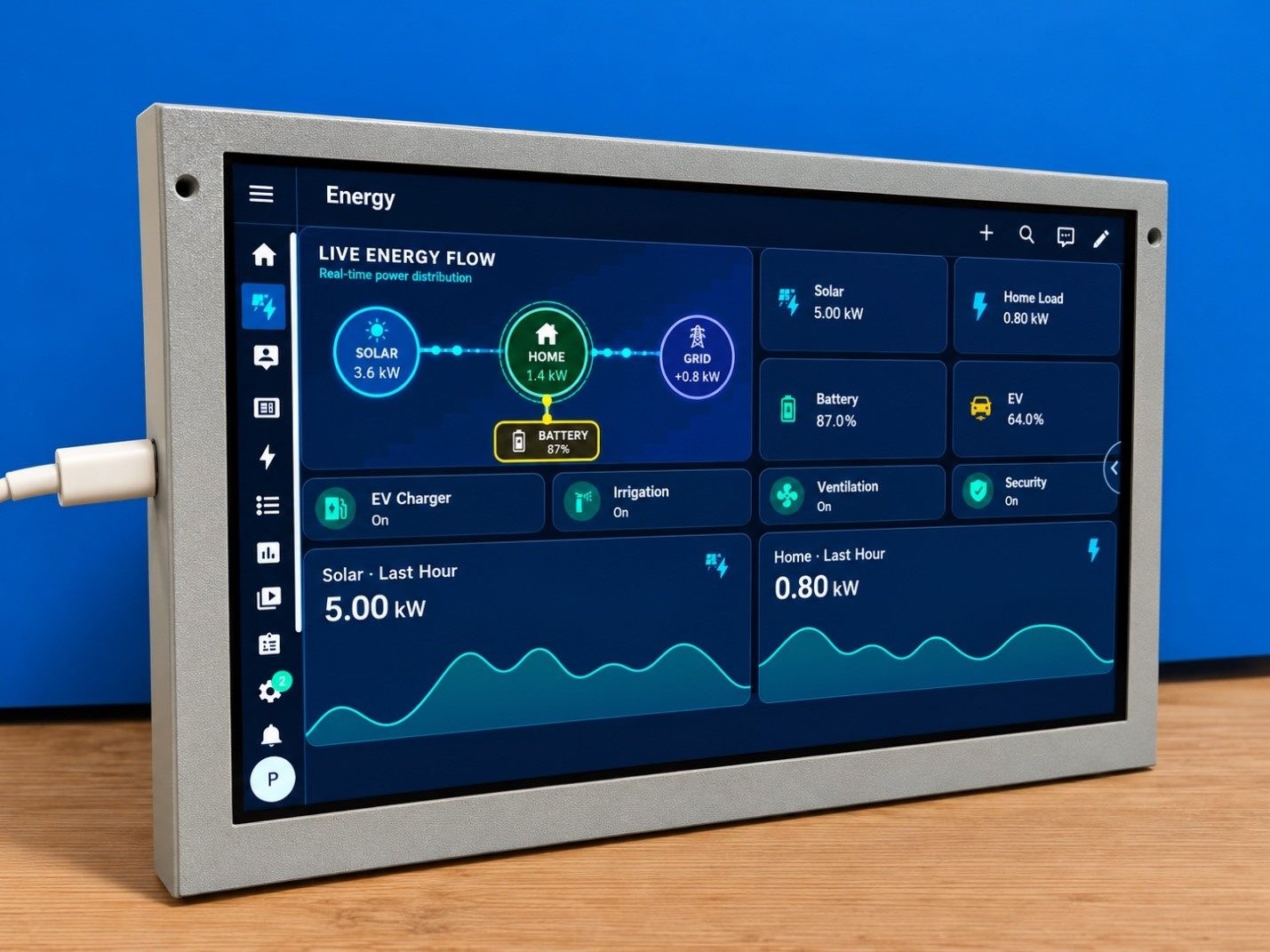
Testing the Home Assistant wall panel shows how the alternative approach works. The device is a 10.1-inch CrowPanel ESP32-P4 panel from Elecrow. The panel's specifications include a 10.1-inch screen with a resolution of 1024×600 pixels, an ESP32-P4 chip, 32 megabytes of PSRAM memory, 16 megabytes of flash memory, a capacitive touch screen, built-in sound, an SD card slot, GPIO ports, and other interfaces. In Russia, the device is sold on the Ozon marketplace under the search query "Panel for Home Assistant".
Key takeaways
- The main compromise of such hardware is the closed firmware: the user has no access to the device's source code, which imposes strict limitations. You cannot install third-party apps, change the basic logic of the interface to your liking, or configure the device for another ecosystem if you decide to leave Home Assistant. The panel is rigidly tied to the scenario laid down by the manufacturer.
- The architecture here is fundamentally different: the smart home system itself runs on a powerful server like a mini-PC or a compact box, and the wall screen acts only as a light client. For the panel to work, a separate component or add-on must be installed on the Home Assistant server. The screen does not try to think or execute heavy scripts on its own — it simply receives an image from the server and sends finger taps back.
How it works in practice and whether you should buy it
This marvel of engineering does not turn a cheap chip into a lightning-fast iPad — animated charts and heavy web pages work more modestly here than on flagship tablets. The cold start time of the panel from power-up to a fully available dashboard is 20 seconds. However, in everyday tasks, the response turns out to be quite predictable and does not annoy.
Measurements show specific figures: the time it takes for a button status to change after a tap on the panel is 0.7–0.8 seconds, and switching pages from touching a tab to the readiness of the new interface for control takes 1.1–1.3 seconds. Sliders keep up with finger movement without jerking, although the command on the server executes faster than the graphical animation on the screen.
Key takeaways
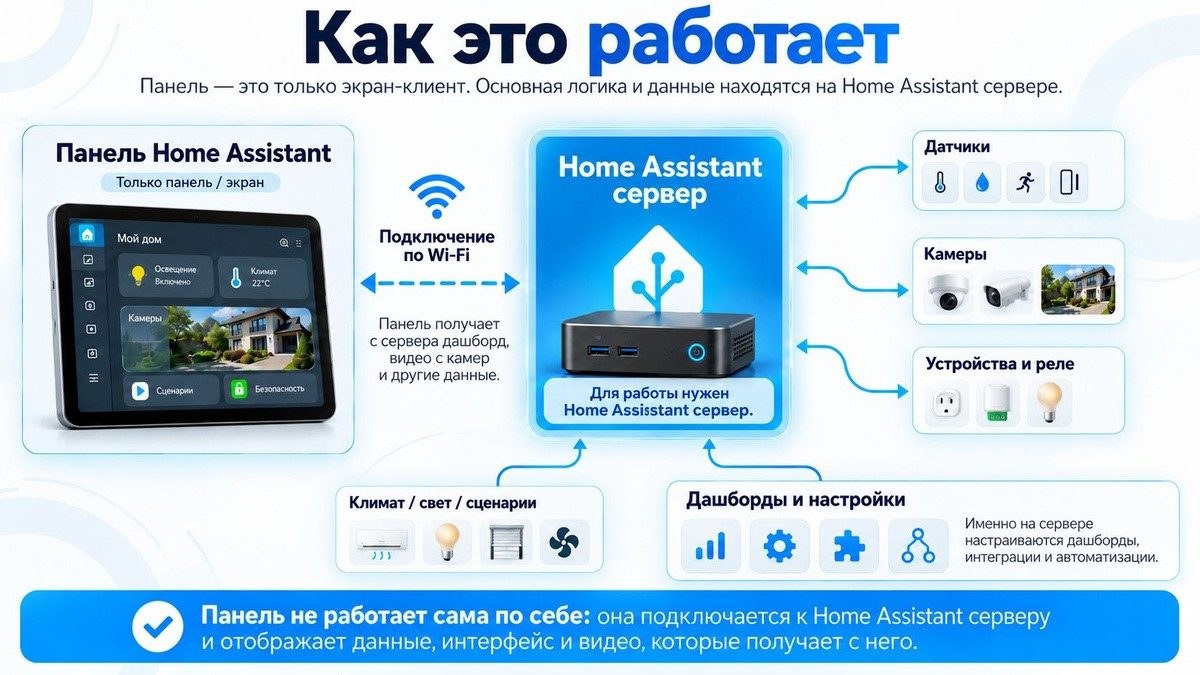
- A specialized panel on a simple chip solves the main disease of wall screens — it does not degrade in battery life, does not require complex maintenance, and does not freeze from background garbage because there is no extra software inside. If you are tired of rebooting your wall tablet every weekend, this approach saves your nerves and eliminates the need to overpay for redundant features.