
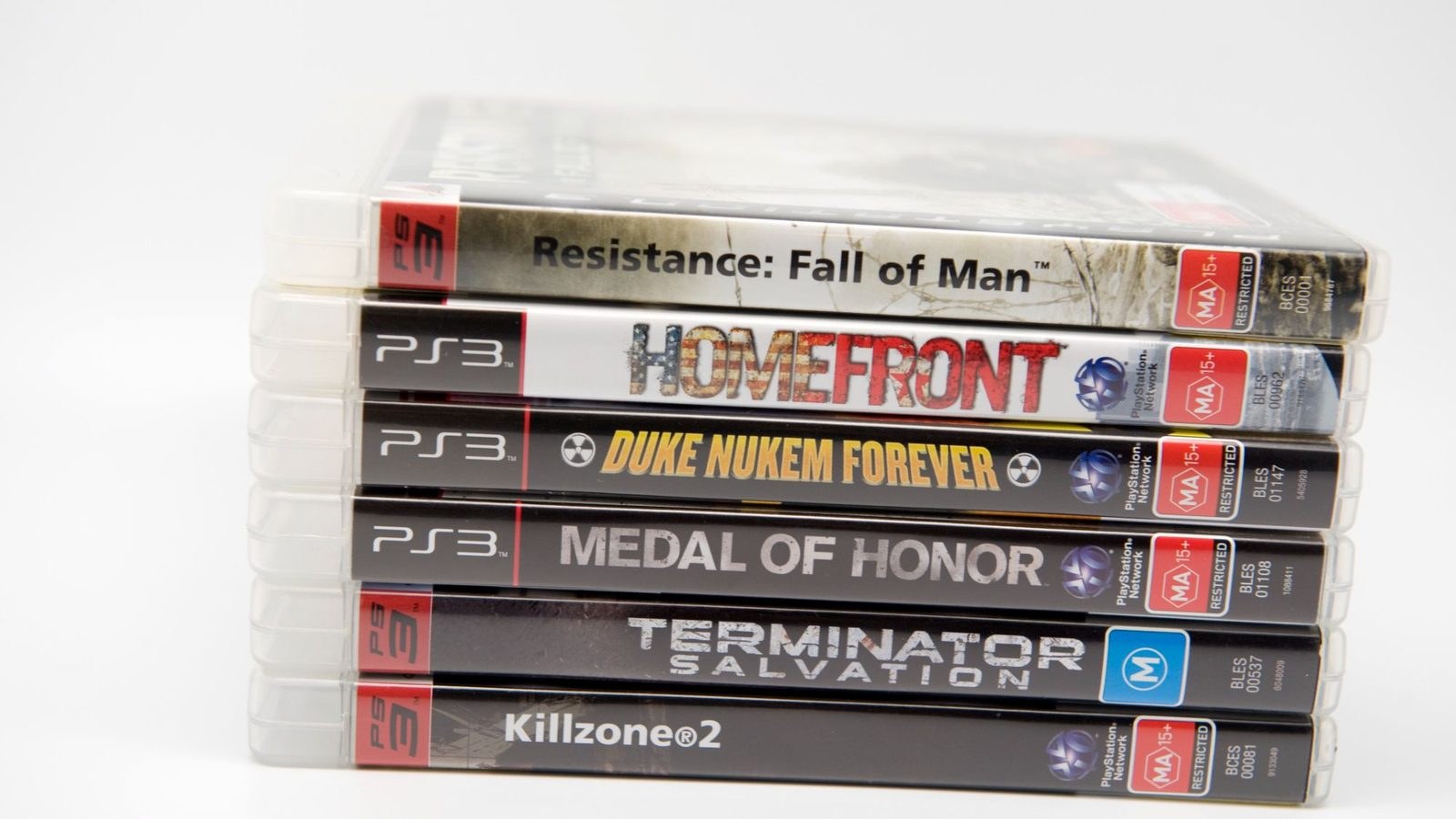
 f you have a stack of PlayStation 3 cases gathering dust, you no longer need to waste an evening ripping multi-gigabyte files to an overloaded SSD. The RPCS3 emulator team has added direct physical disc playback on PC, crediting developers digant73 and Megamouse for cracking the implementation. Instead of managing massive digital images just to check out an old game, the emulator finally offers a genuine plug-and-play setup for physical discs, keeping your drive space intact.
Platform Support and Hardware Limits
Direct disc playback comes with a clear catch: it only functions with specific compatible internal and external Blu-ray drives. If your hardware qualifies, these drives will still allow you to dump the game files onto storage whenever you want a permanent backup.
"Owning your games as physical media allows you to play games released as far back as 20 years ago without relying on any servers!"
Verifying compatibility is entirely straightforward. Insert a PS3 disc into your drive: if your operating system lets you browse the file tree, your hardware is supported. If the drive fails to recognize the data, the optical pickup simply cannot read Sony's proprietary format.
Cross-Platform Reach
RPCS3 supports direct disc playback across Windows, Linux, FreeBSD, and macOS, extending even to Linux-modded PS4 and PS5 hardware. The latest build also cuts down installation times for package files read straight from optical media.
Going out of your way to buy a dedicated Blu-ray drive only makes practical sense if you already sit on a substantial physical library and refuse to sacrifice fast SSD storage to massive 30GB game folders. For everyone else, sticking to standard digital backups remains the more sensible, cost-effective route.